Snaptally scans any paper receipt, reads the merchant, total, and date right on your phone, and sorts it into the right category — in seconds. Export a tax-ready CSV or a merged PDF for your accountant.
Free to download · No sign-up · No bank linking
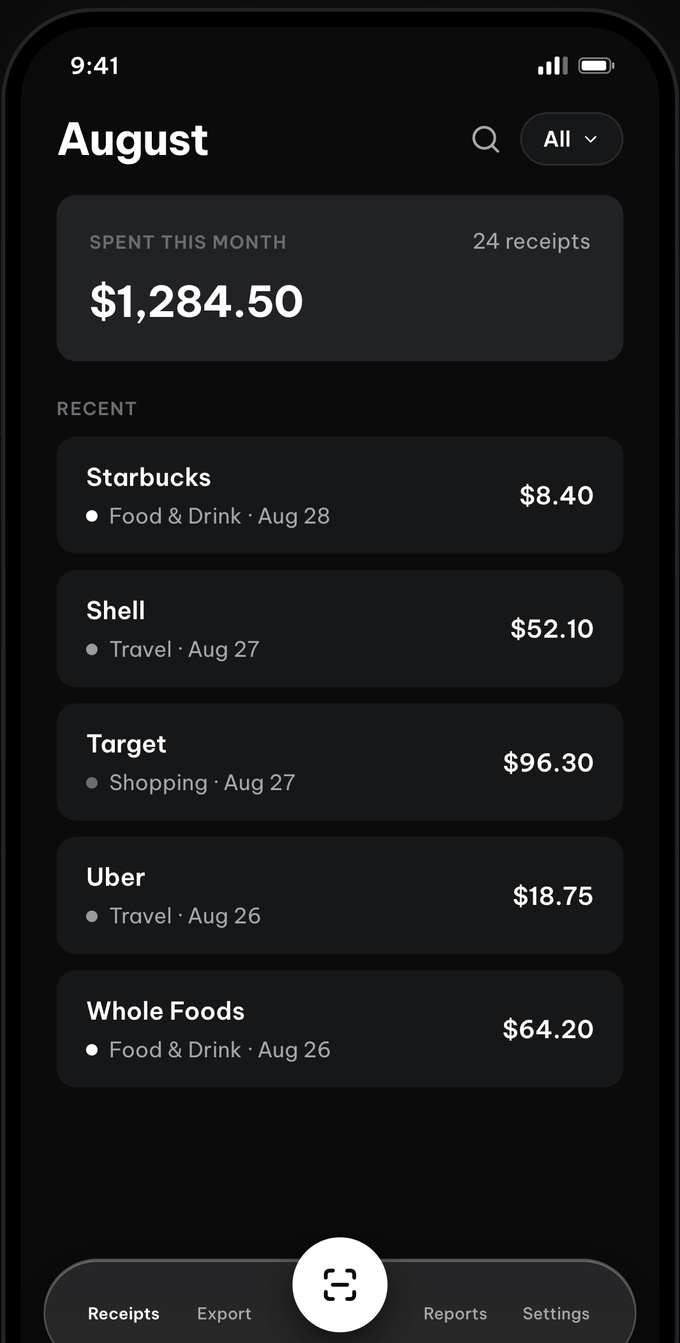
The whole flow — capture, confirm, done — is built to be frictionless. No forms, no setup.
Point your camera and the edges auto-crop. On-device scanning is fast and works offline.
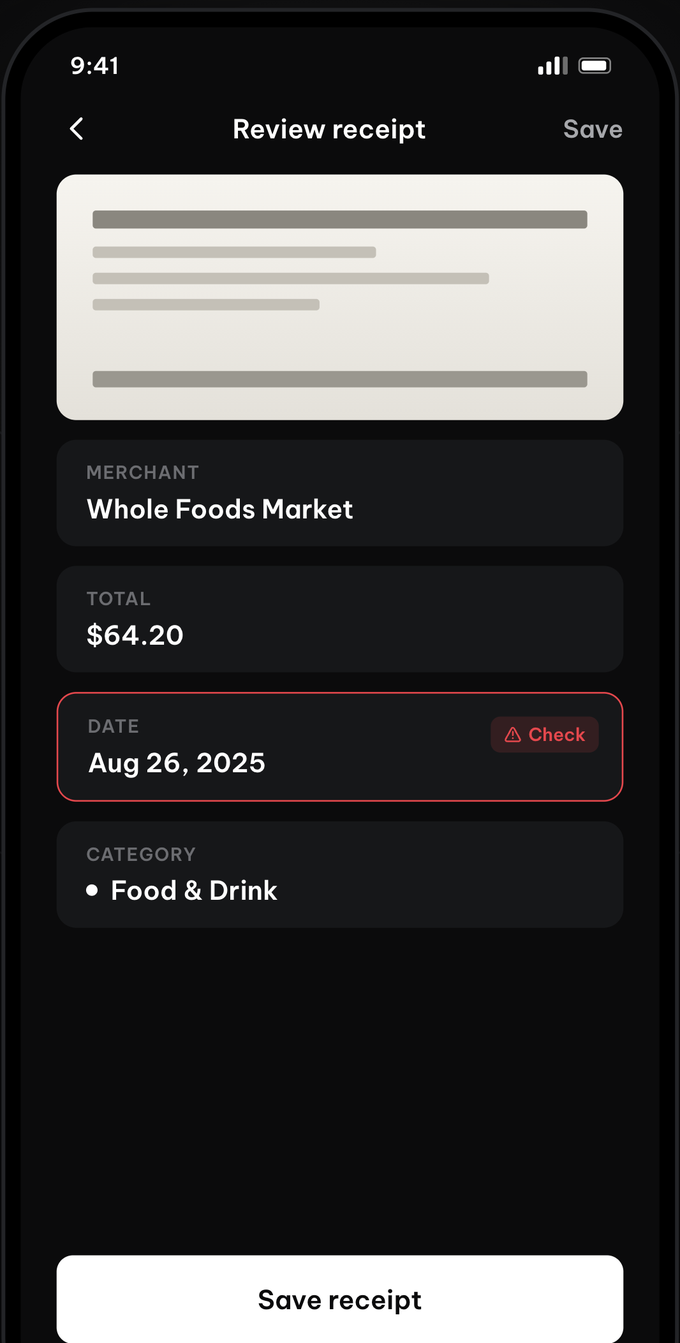
The merchant, total, and date come pre-filled. Anything the scan wasn't sure about is flagged, so you fix it in a tap.
It's saved, categorized, and counted into your monthly total. Search or filter it anytime.
Every screen is built for one glance and a tap — nothing to learn, nothing in the way.
Snaptally reads the merchant, total, and date on your device and pre-fills them. Anything it isn't sure about gets a red "Check" flag, so you review and correct it in a single tap before saving.
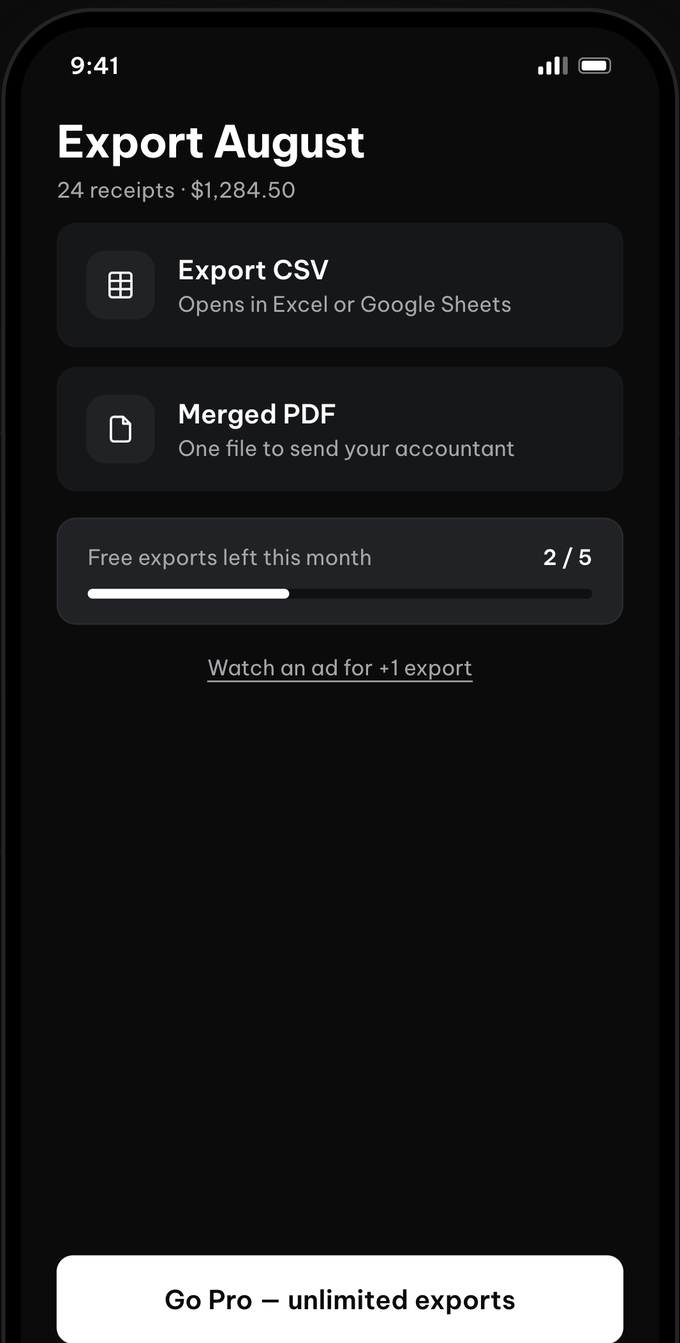
Send a clean CSV that opens in Excel or Google Sheets, or merge your receipts into a single PDF for your accountant. Free includes a few exports a month; Pro makes them unlimited.
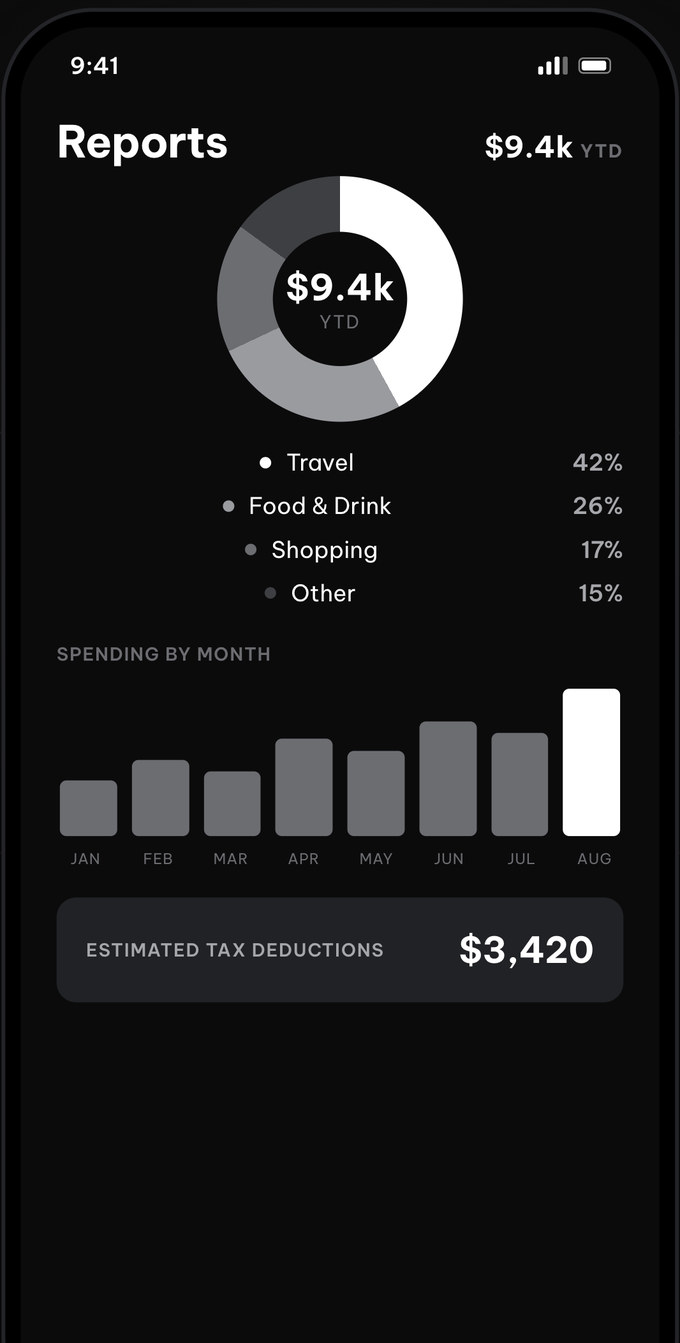
Pro turns your receipts into spending by category and by month, plus an estimated tax-deduction total built for freelancers. It's your own data — no manual entry, no spreadsheets.
Built for freelancers, contractors, and anyone who files their own taxes.
Text recognition runs right on your phone — fast, and works fully offline. Nothing is uploaded to scan.
Merchant, total, and date are read for you and pre-filled. Low-confidence fields are flagged for a quick fix.
Snaptally suggests a category and remembers each store, so your receipts sort themselves over time.
Scroll smoothly, search by merchant or amount, filter by category, and see your total per month.
Export a clean CSV for Excel or Google Sheets, or merge receipts into a single PDF to send your accountant.
No account, no bank linking. Your receipts stay on your device — they don't live on our servers, because there are none.
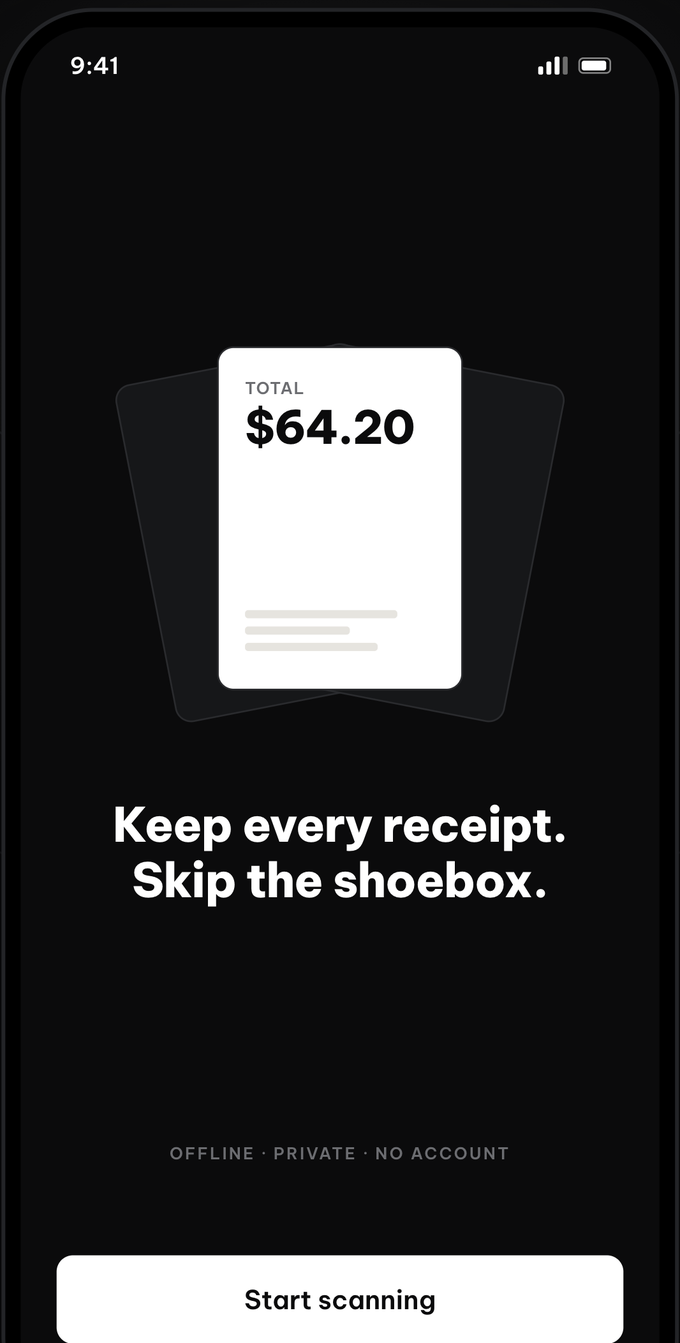
Most receipt apps make you sign up, then connect a bank. Snaptally does neither. Scanning and text recognition happen on your device, and your receipts are stored locally — so the core app works with no connection at all.
The scan-and-export core is free. Upgrade when you want reports and unlimited exports.
The 7-day free trial applies to the yearly plan. Subscriptions auto-renew until canceled; you can cancel anytime in your App Store or Google Play account settings. Estimated tax deductions are informational only and are not tax advice.
No. Snaptally has no sign-up and no login. You can start scanning the moment you open the app, and every core feature works without an account.
No. Snaptally never links to a bank or credit card. It only reads the paper receipts you choose to scan.
On your device. Receipt images and data are stored locally on your phone and are not uploaded to any server. Scanning and text recognition run on-device, so the core app works fully offline.
You can export a clean CSV that opens in Excel or Google Sheets, or merge receipts into a single PDF to send your accountant. Free users get a few exports per month; Pro removes the limit.
Snaptally is free to download and use, with occasional ads. Snaptally Pro is $4.99 per month or $29.99 per year with a 7-day free trial, and removes ads while adding unlimited exports, spending reports, and estimated tax deductions.
On-device text recognition is fast but not perfect. Snaptally pre-fills the merchant, total, and date and flags anything it wasn't confident about, so you can review and correct it in a tap before saving.
Yes. It's built for freelancers, contractors, and anyone who files their own taxes. Pro adds spending reports and estimated tax-deduction totals by category. These figures are informational and are not a substitute for professional tax advice.
Free to download. No account, no bank linking, works offline.
 Snaptally